What it does
Pick the apps that eat your time and block them behind your own reading. When you open one, DocBlock steps in front of it and slowly scrolls through your own PDF documents, such as study notes, revision material or work procedures, for a set time. Once the timer finishes, the app opens as normal. You choose the apps, the reading time and how long an app stays unlocked afterwards.
It was built as a personal project to turn dead scrolling time into a few minutes of useful reading.
Screenshots
-
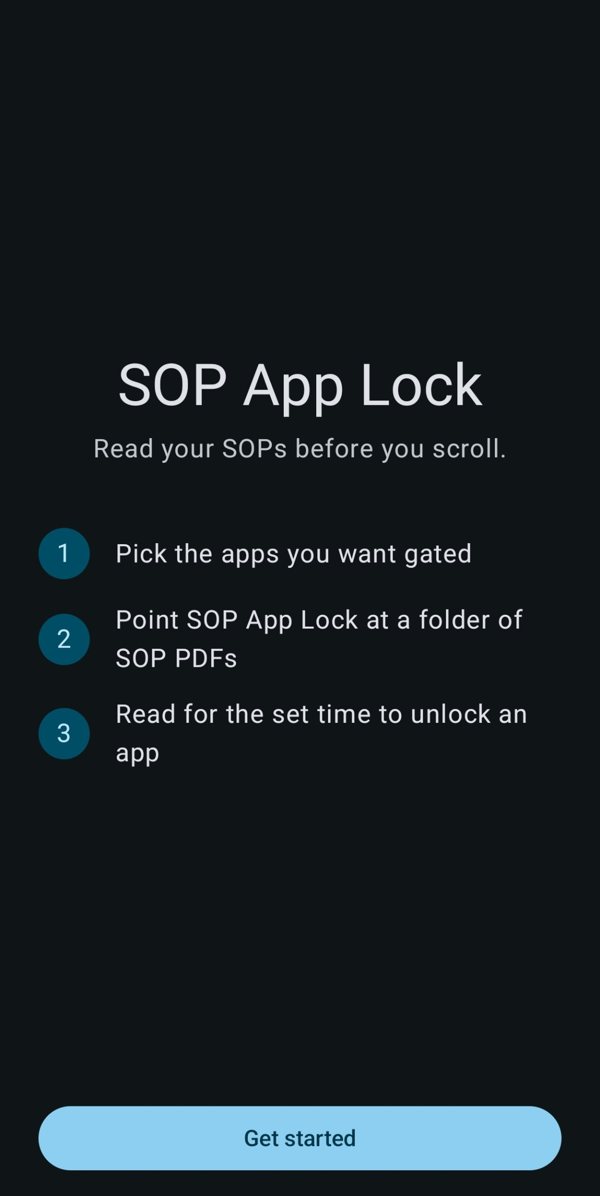
Start screenSet up in three steps: pick apps, add your PDFs, read to unlock. -
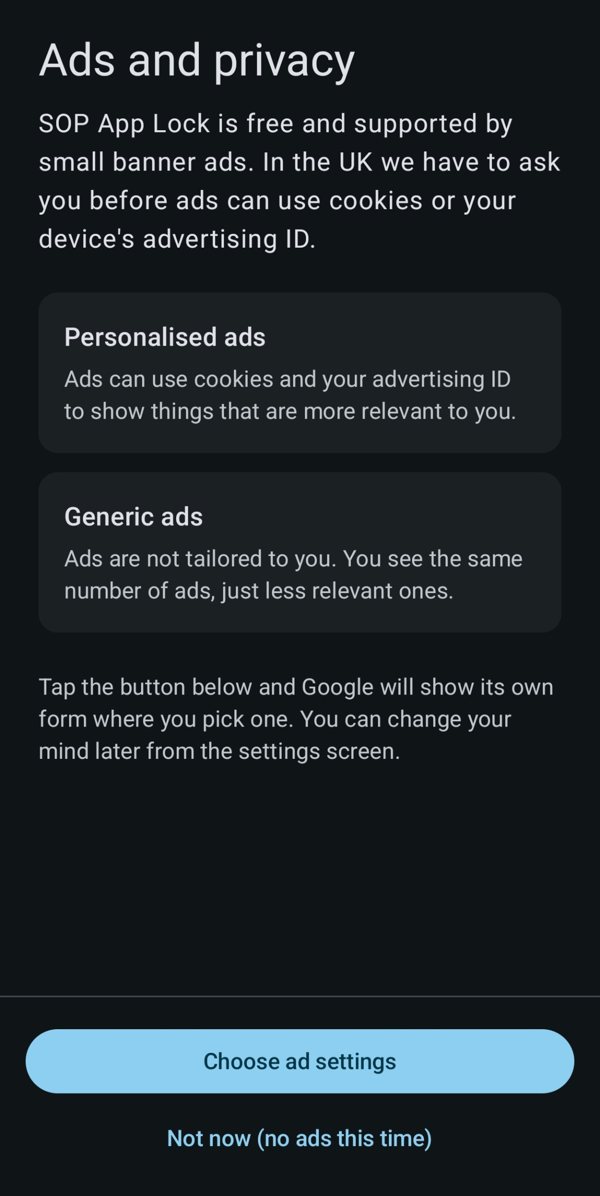
Ads and privacyIn the UK you choose personalised or generic ads before any are shown. -
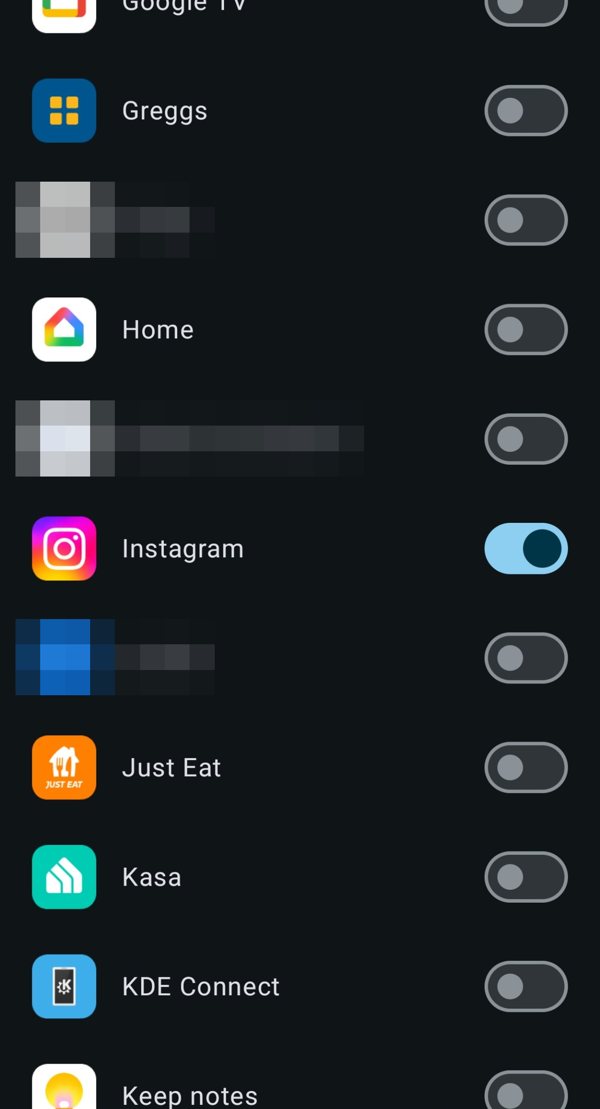
Choose your appsSwitch on the apps you want gated. Others are left alone. -
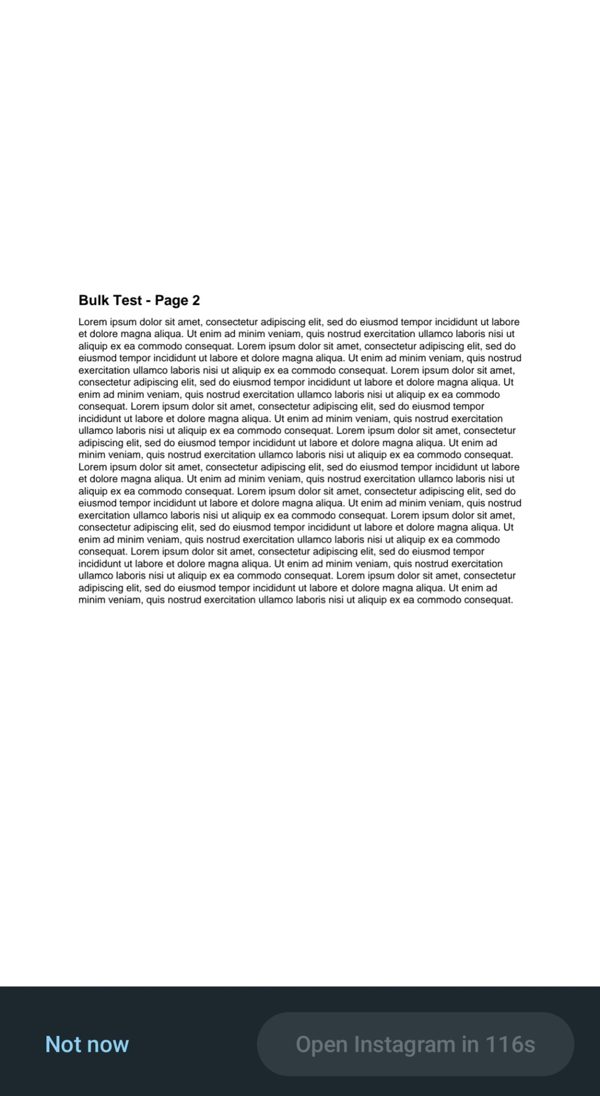
The reading gateOpen a locked app and your PDFs scroll until the countdown finishes. -
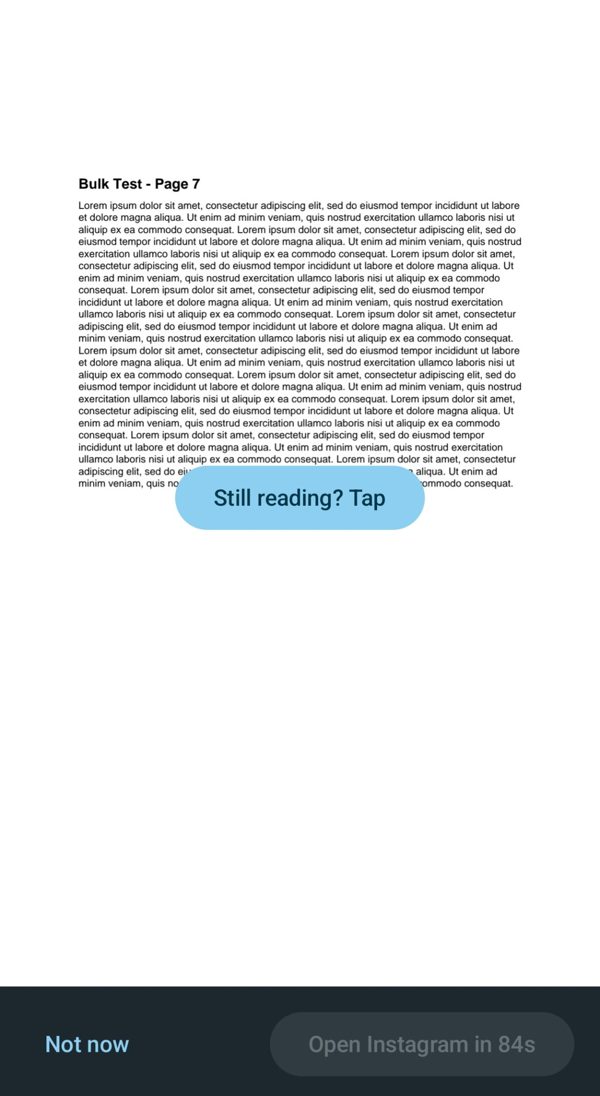
Tap checkA quick tap confirms you are still reading. -
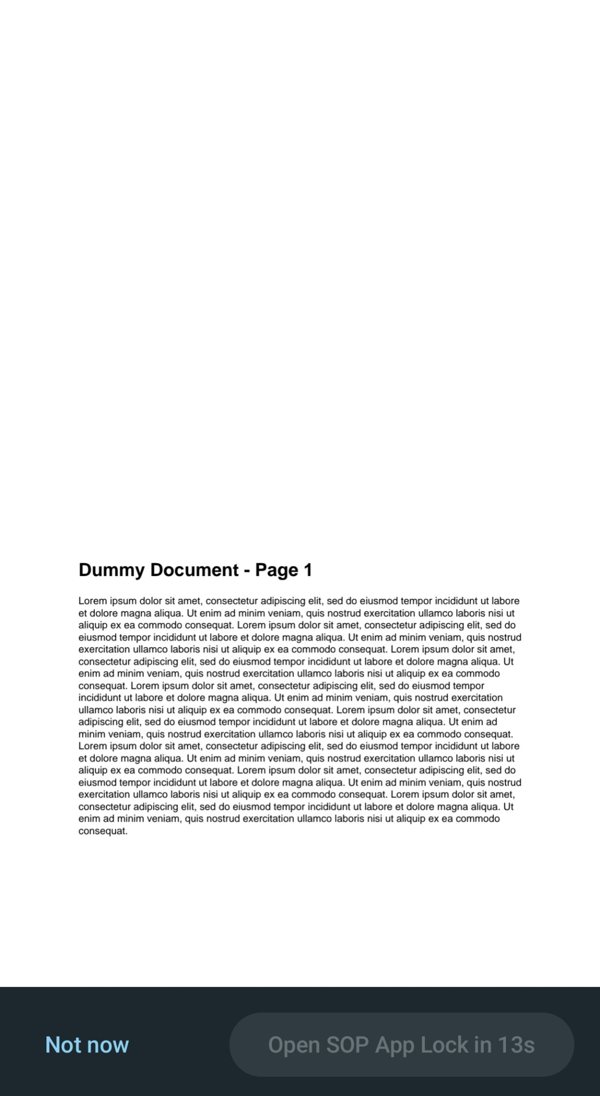
Settings are gated tooThe same gate sits in front of the app's own settings, so the locks cannot be switched off on impulse.
Key points
- Your PDFs and settings stay on your phone.
- Works over the apps you choose, with permissions you grant yourself.
- Free, supported by a small banner advert.
Status: in testing for Android. Not yet on Google Play.